
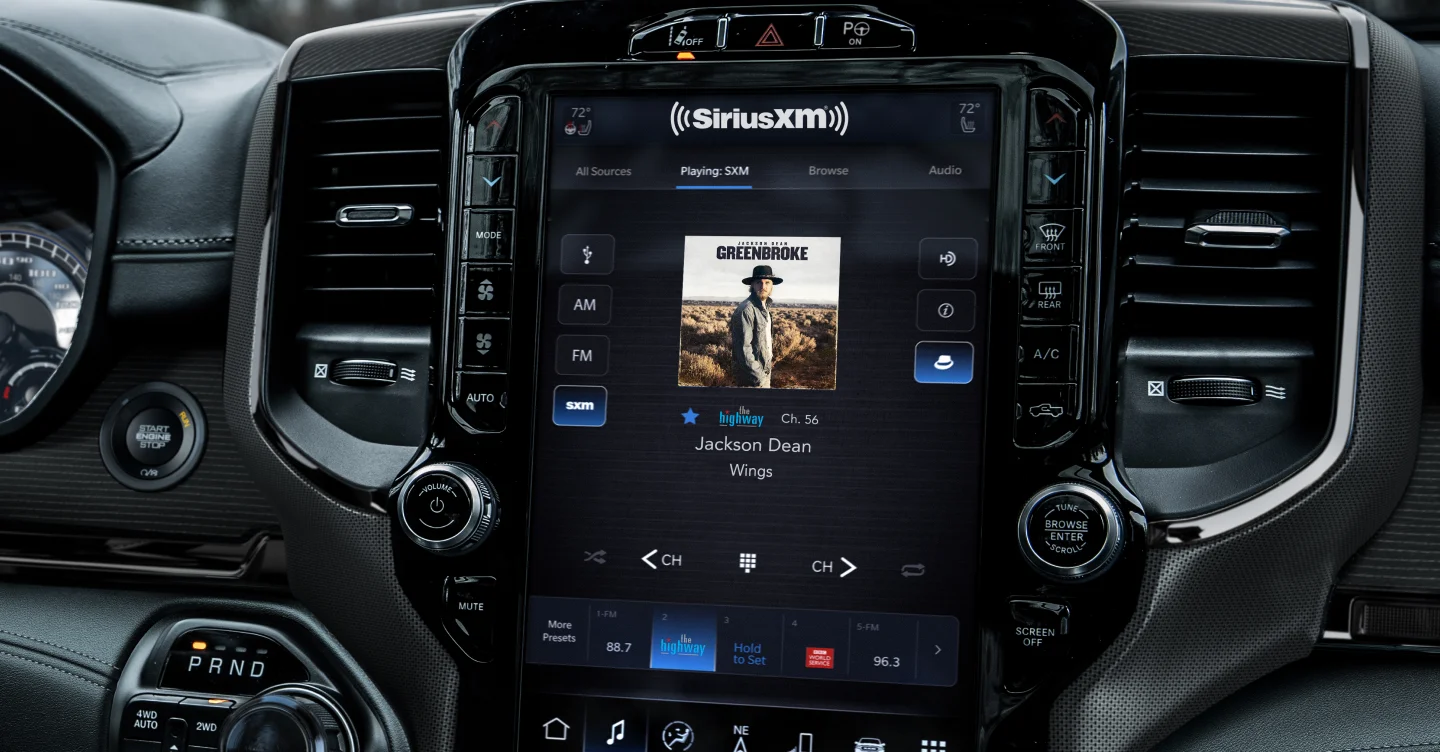







SiriusXM® Adapter Quick Solutions
Have a GSR or SL3sat adapter? Find instant answers below without waiting on hold:
▶ How to Set & Switch Presets
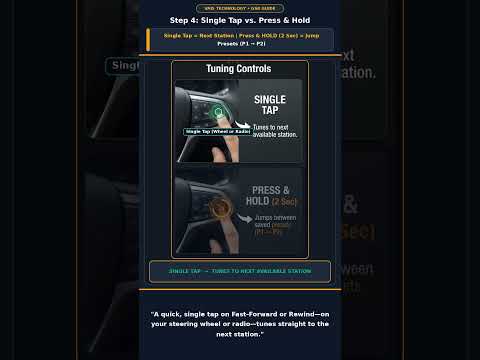
Click to Play Setup Guide
- Save Preset: Tap Browse/Library → Artists → Tune Presets/Channels → Add Preset.
- Switch Presets: Press and hold steering wheel fast-forward (▶▶) for 2 seconds. (Note: Some Honda models use on-screen buttons).
🔍 Check Vehicle Compatibility with SiriusXM Add-On kits
Verify compatibility with your factory radio and dash trim below before ordering:
Vehicle Lookup Tool
Select Year, Make & Model
→
Full Application Guide
Browse compatibility charts
→
Corporate Headquarters
VAIS Technology
8811 American Way, Unit 125
Englewood, CO 80112
Hours of Operation
Monday – Thursday: 8:30 AM – 5:00 PM MST
Friday: 8:30 AM – 4:00 PM MST
Major Holidays: Closed