






Find the right adapter
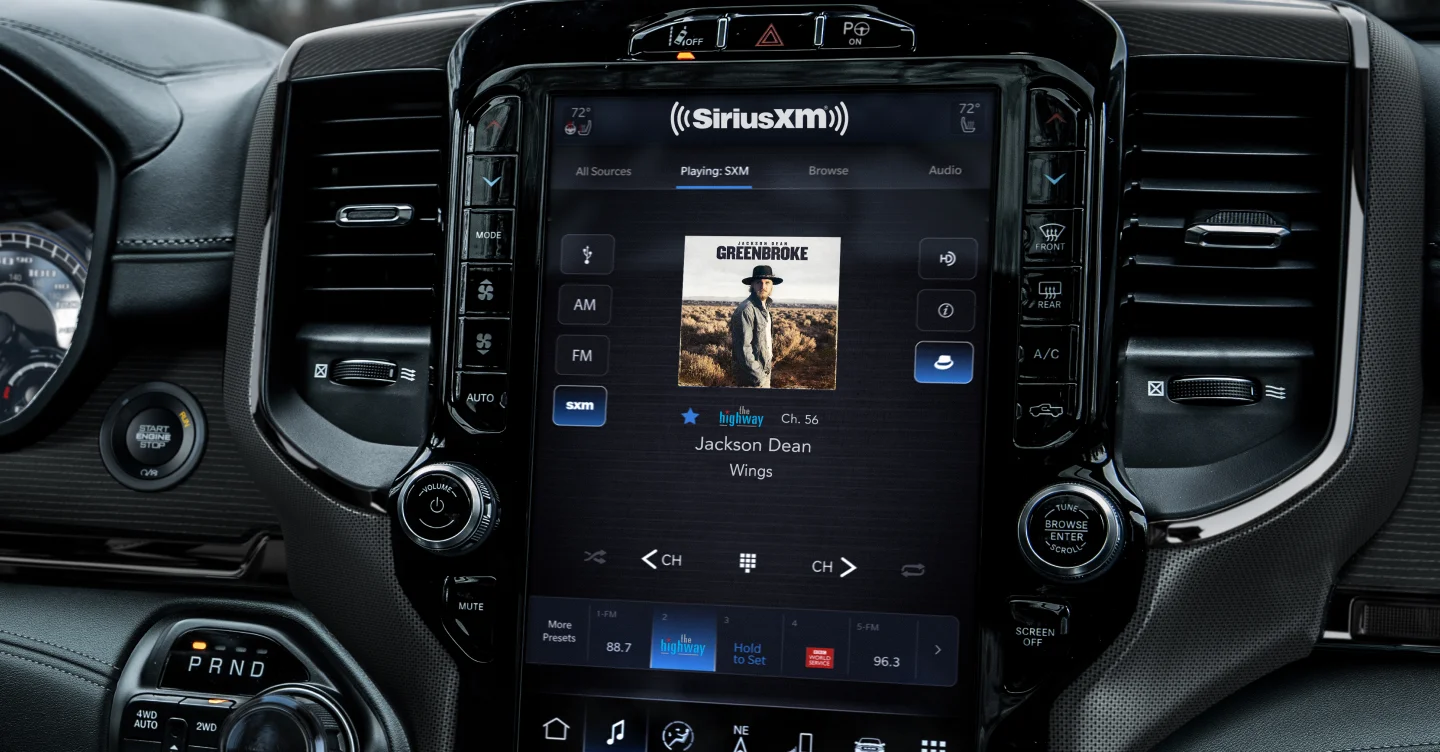
How to Install SiriusXM in the vehicle that didn’t originally come equipped with Satellite Radio can be a straightforward process. Allowing you to enjoy a wide range of satellite radio channels right from the factory radio. The first step is to choose the right SiriusXM adapter compatible with your vehicle. There are various options available from VAIS Technology that integrate seamlessly with your car’s audio system. Once you have selected the right adapter, gather the necessary installation tools. Which typically include a plastic pry tool, electrical tape, zip ties and etc.

Install SiriusXM adapter in my vehicle
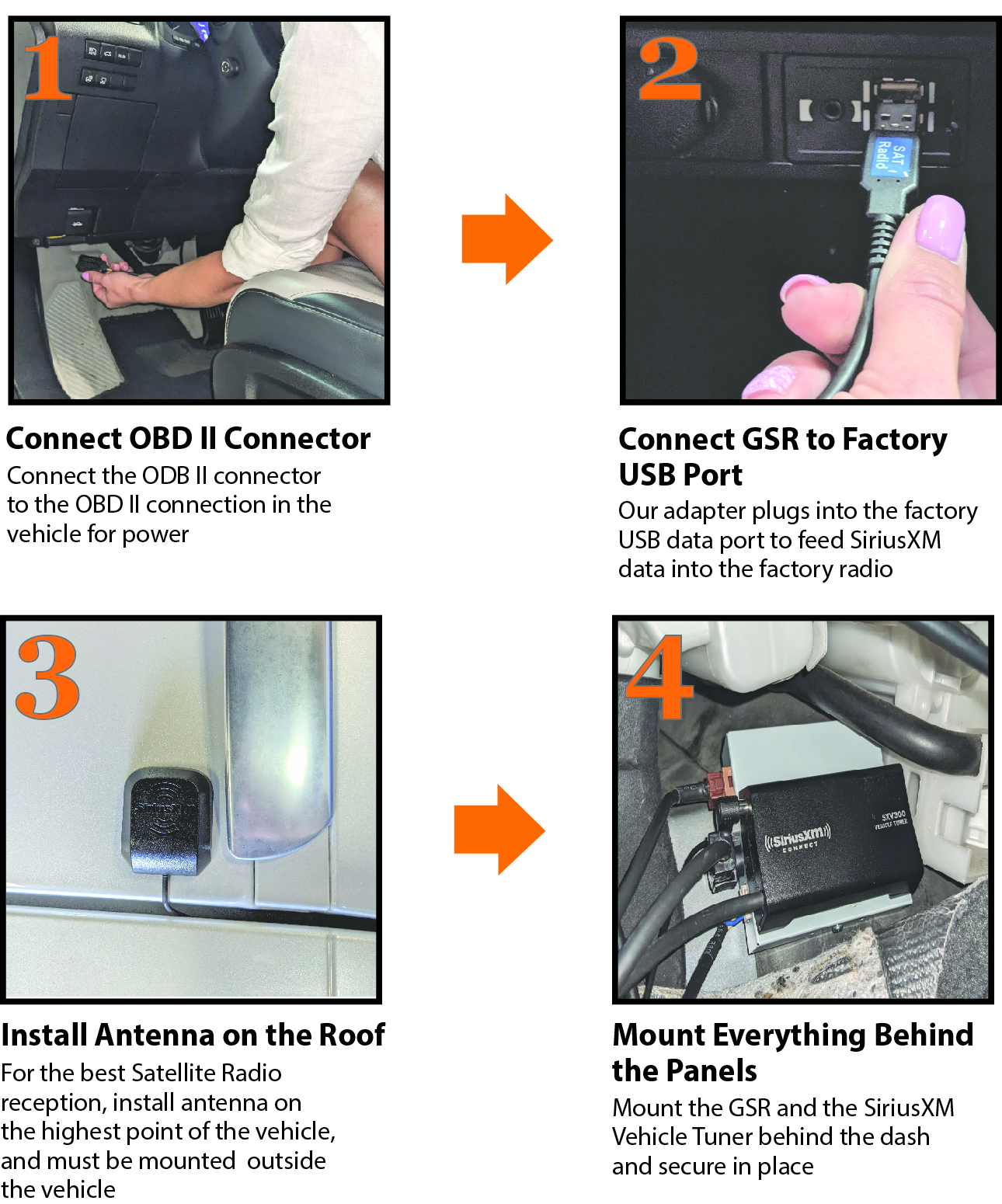
Next, you will need to find an appropriate location in your vehicle to mount the VAIS adapter. This could be behind the panels in the center console, or another convenient spot that allows for quick and easy adapter mounting. To ensure proper installation, it is essential to carefully plan the routing of the harnesses. Begin by installing a power connection harness to the OBD port. Subsequently, install the USB harness and connect the designated USB port for data. Not the USB charging port with a lighting bolt symbol. Mount and secure all components behind a panel for a clean and organized finish.
SiriusXM Antenna Installation
To effectively route and install the SiriusXM antenna, it is essential to follow a systematic approach that ensures optimal performance and signal reception. Begin by selecting an appropriate location for the antenna. Ideally on the roof of the vehicle, where it can have an unobstructed view of the sky. Carefully route the antenna cable through the vehicle’s interior, ensuring that it is secured and protected from potential damage. See a video below how to route the cable inside the car. Once the cable is routed, connect the antenna to the SiriusXM receiver, ensuring that all connections are tight and secure to prevent signal loss. Finally, test the system outside of the bay or a garage to confirm that the antenna is functioning correctly. And that the signal is strong, making any necessary adjustments to the positioning of the antenna if required.
Activate SiriusXM service
After the physical installation is complete, the final step is to activate your SiriusXM service. This typically involves calling SiriusXM or visiting their website to set up your account and choose a subscription plan that fits your listening preferences. Once activated, you can start enjoying a vast array of channels, from music and sports to news and talk shows, transforming your driving experience. With a little patience and attention to detail, you can successfully add SiriusXM to your factory radio, even if it didn’t come with the service from the factory. Enjoy all perks for Satellite radio right from your factory radio just as it came with it from the factory.

Source: vaistech.com
Categories: Satellite Radio, Uncategorized